Field work platform for network contractors
From survey to payment, on one record.
Survey every asset on site, price it from your schedule of rates, allocate each rate to an installer, record work without signal, and invoice only what the office accepted.
30 minutes on the real product. Monday to Friday, UK time.
Survey a real overhead network near Stamfordham, Northumberland
Sample rates. Nothing you do here is saved or sent.
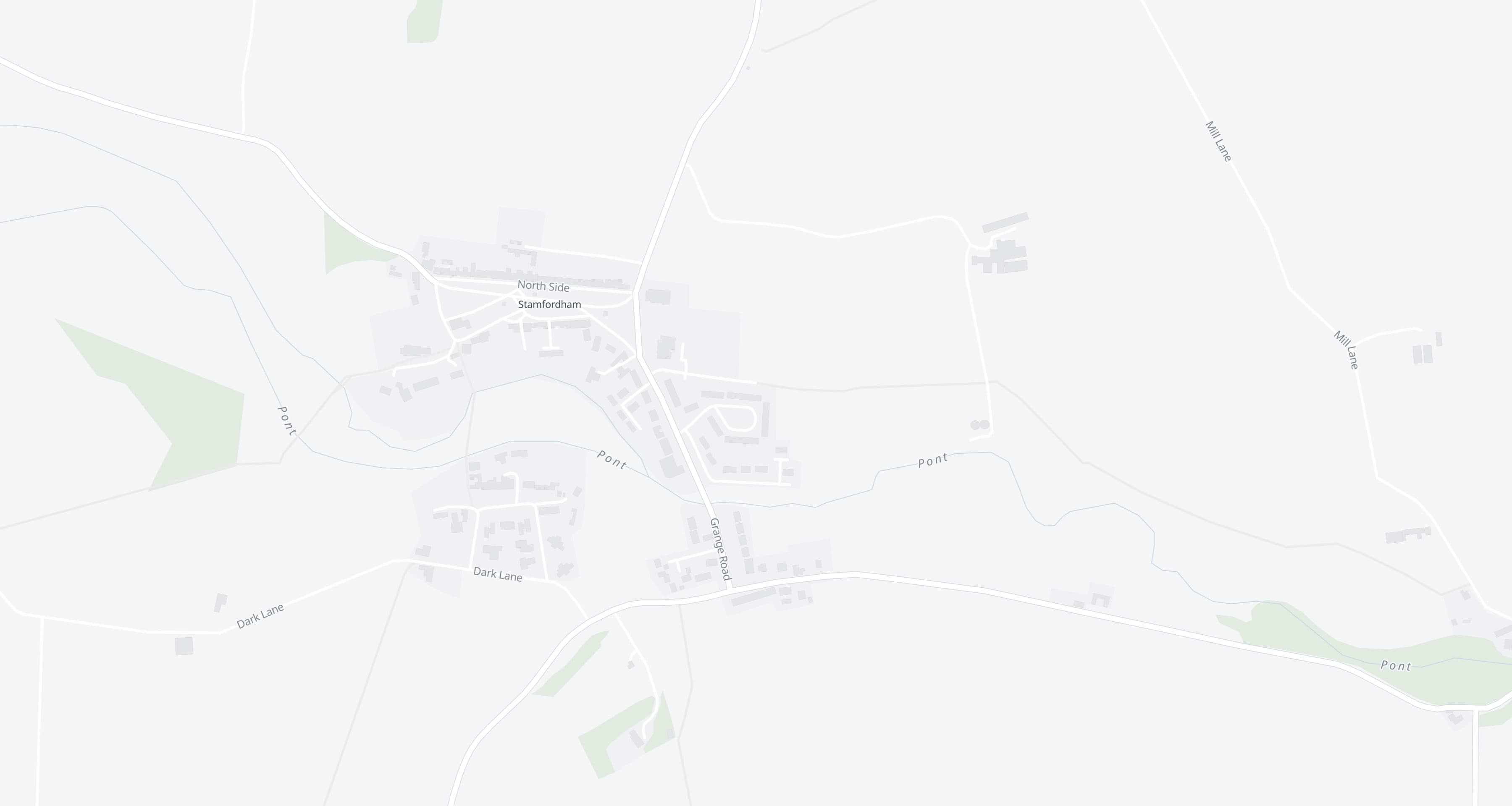
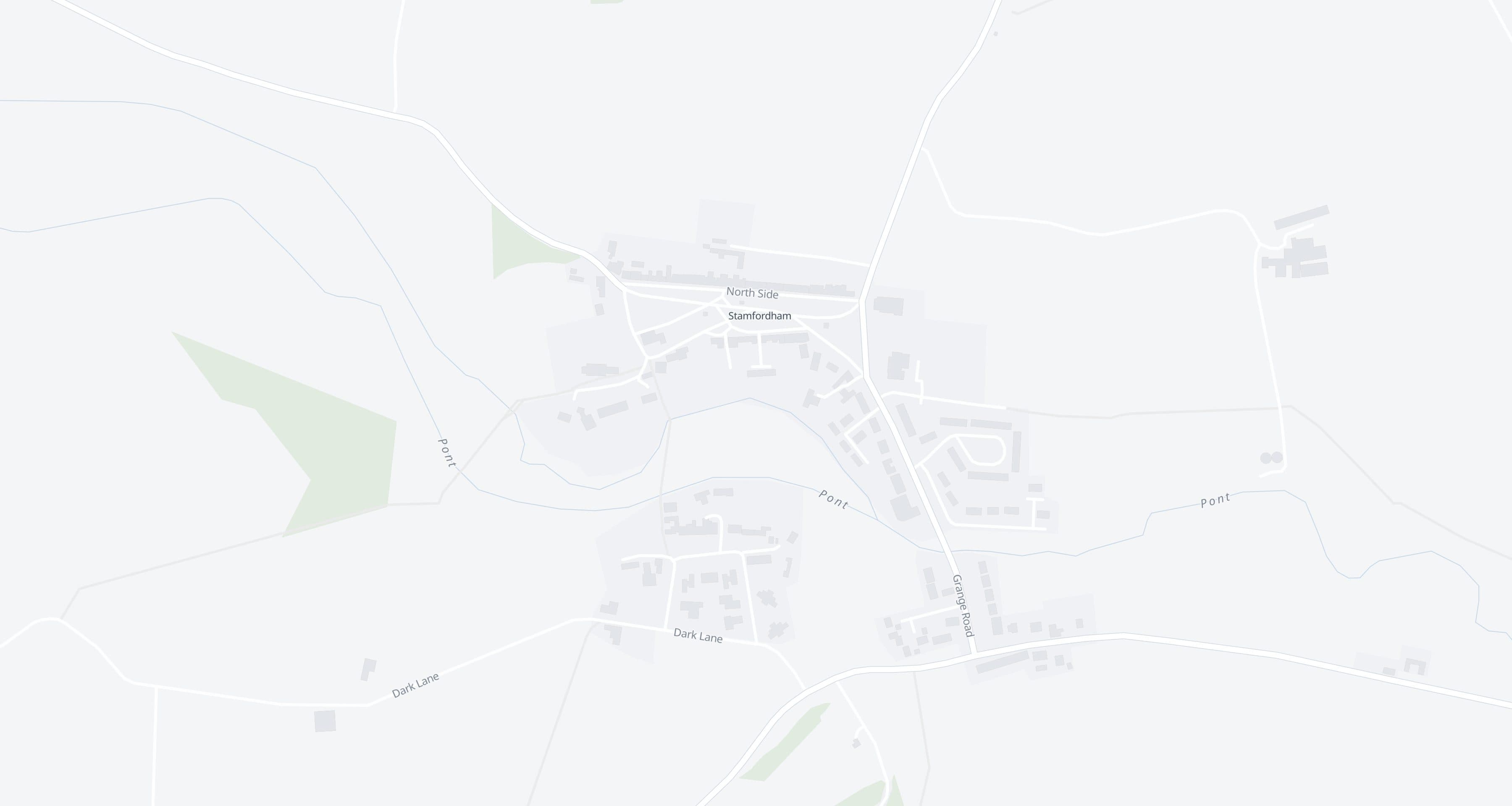
Arrow keys move the map; plus and minus zoom. Choose a pole or span from the list beside the map.
Supported by Northern Powergrid Open DataOn site
Next: survey a pole or span
Tap a pole or span to survey it, the way a surveyor does in the field app.
In the office
0 received
The network on this map is a small extract of Northern Powergrid's published open data, taken 8 October 2026. Supported by Northern Powergrid Open Data. This does not imply any endorsement by Northern Powergrid. Lines are drawn as published, which can be about a metre from their true position; Siteproof works out the pole-to-pole spans from them. Base map: OpenFreeMap © OpenMapTiles, data © OpenStreetMap contributors.
A working demo on the published overhead network around one village, with sample rates. Every screenshot on this page is a real screen from the product.
Works with no signal
Accepted Projects download to the device with their map, forms and documents. Unsent work is never thrown away by a dropped connection.
Nothing re-keyed
The quantity on an application is the quantity the office accepted from site. No spreadsheet in between.
Billed once
The same accepted quantity cannot be billed twice. The database enforces it, not a checklist.
The problem
The work gets done. Proving it is the slow part.
On most network jobs the record of what happened is split between a survey sheet, a camera roll, a spreadsheet and a valuation. Every hand-off is a place for quantities to drift and evidence to go missing.
Evidence lives on phones
Photos sit in camera rolls and WhatsApp groups, not against the asset or the rate they prove.
Quantities get typed three times
Survey sheet, spreadsheet, valuation. Every copy is another place for the numbers to drift.
Queries arrive at payment time
When a client challenges a line, the person who did the work is three jobs away.
How it works
Seven stages. Nothing re-keyed.
Each stage reads the one before it, so every invoiced quantity traces back to the asset, the rate and the submission it came from. There are two kinds of account: administrators, who run the office and commercial steps, and field users, who see only the work assigned to them.
01 · SURVEYOR
Survey
Record each asset on site: condition, photos, signature and work needed.
02 · OFFICE
Price
Approved survey work is priced from the contract's own rates.
03 · OFFICE
Client PO
Record the client's purchase order against the quote.
04 · OFFICE
Allocate
Give each rate to an installer and a date.
05 · INSTALLER
Install
Installers see only their own work and record it, signal or not.
06 · OFFICE
Accept
The office accepts quantities. Partial work stays partial.
07 · COMMERCIAL
Apply and invoice
Only accepted quantities reach the payment application and invoice.
Maps and networks
Plan on the network you are actually working on.
Siteproof draws the published electricity network as a read-only layer beneath your own work: poles, substations and LV, HV and EHV overhead lines. Today that is one network operator's published data, covering the North East of England, Yorkshire and northern Lincolnshire. Pick a pole or a pole-to-pole span and it becomes a work item that remembers where it came from. The publisher's record is never edited.
- Import a client's work release from a spreadsheet, then confirm each match to the network yourself
- Projects can run on the network map, a PDF drawing, or both
- Licence and attribution travel with the data

Poles, lines and substations shown are Northern Powergrid's published open network data. Supported by Northern Powergrid Open Data. This does not imply any endorsement by Northern Powergrid.
Field app and forms
Built for sites with no signal.
Accepting a Project downloads it to the device: the map, licensed network data, forms and documents. Work recorded on site stays on the device until the server confirms it, and a dropped connection never throws it away.
- Map first. Tap an asset to open its tasks
- Survey forms can carry a Work required block: rates, quantities and materials from the contract's catalogue, which become real rate items on the asset
- 27 field types, including GPS location, photos, signatures, barcodes and meter readings
- Every record shows where it is: saved on this phone, waiting to send, or confirmed by the server
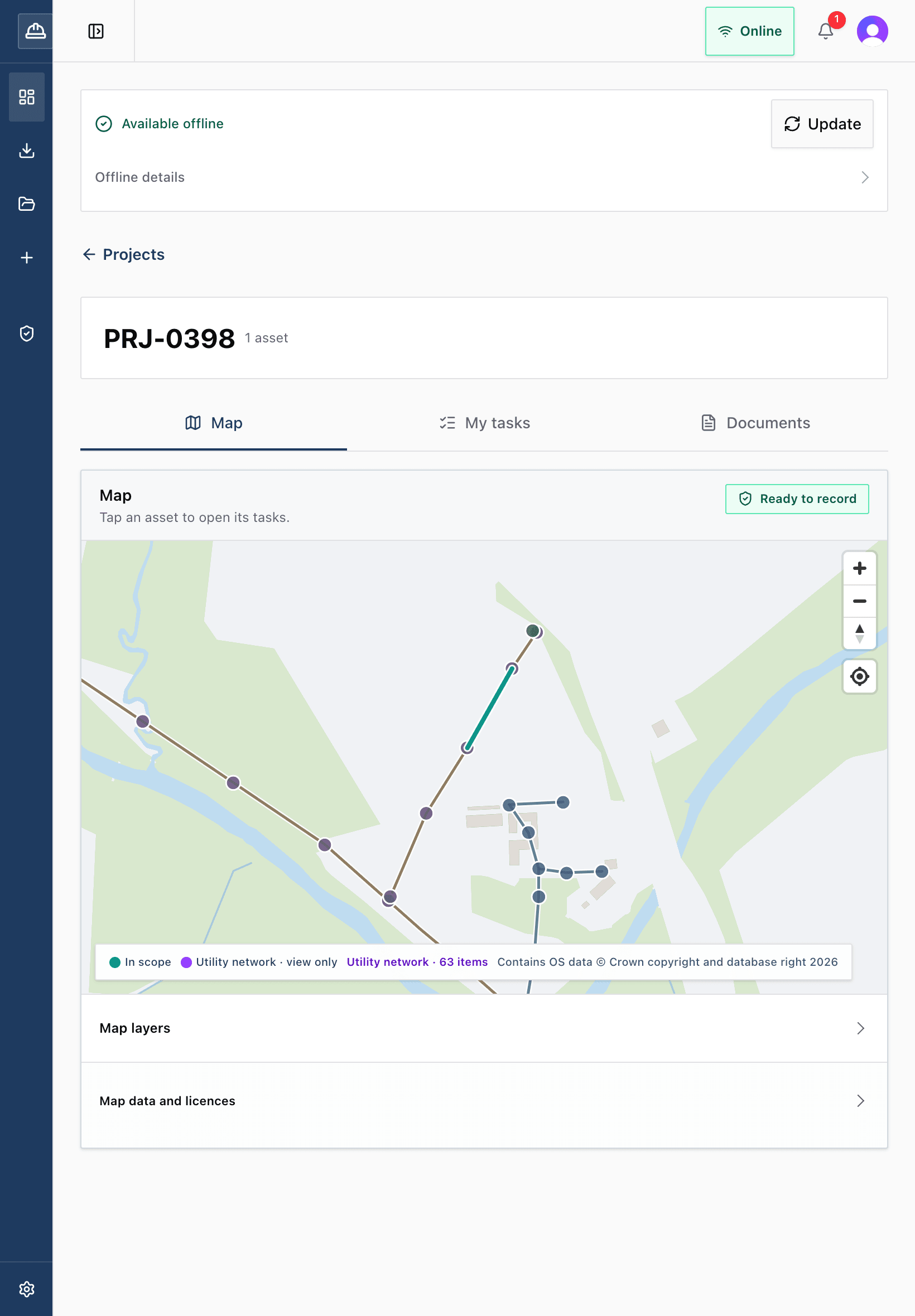
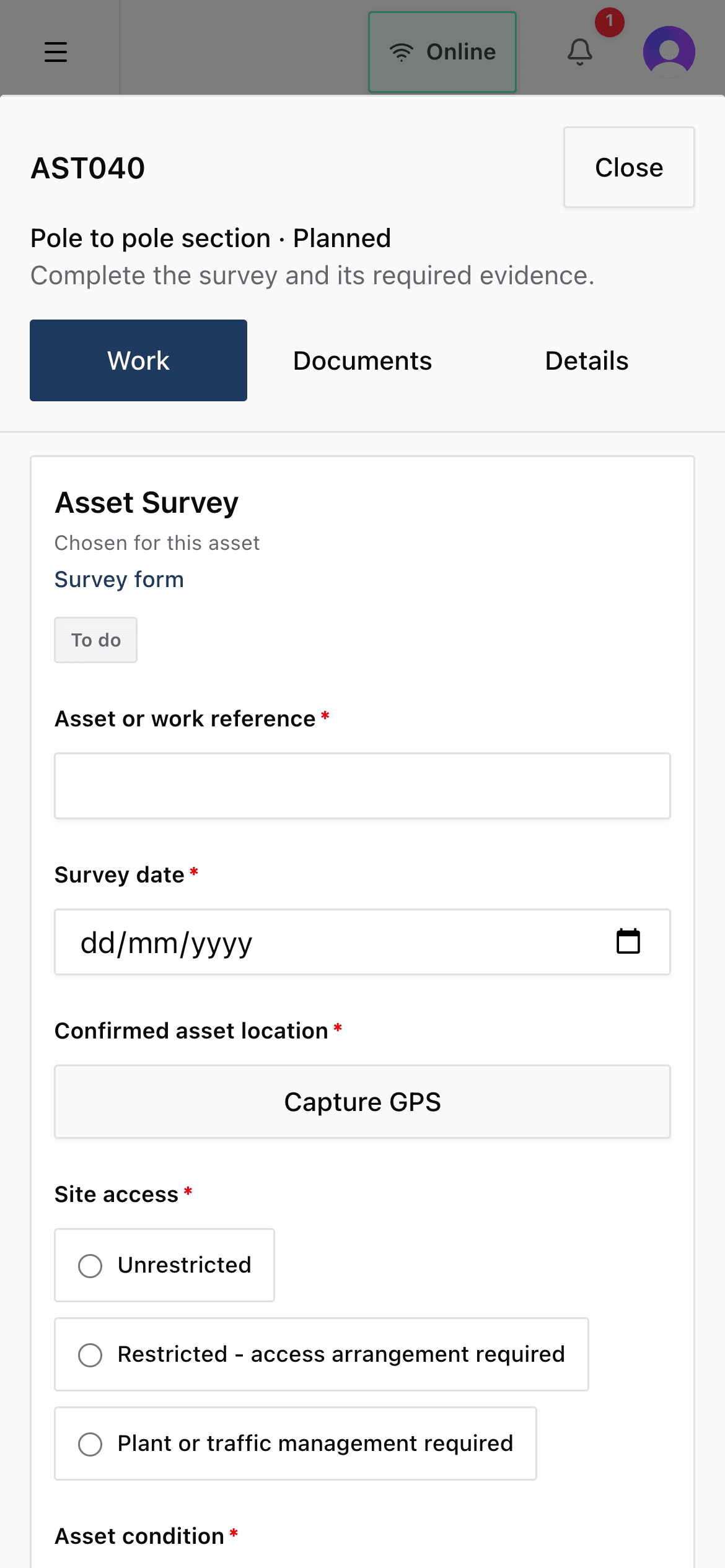
Poles, lines and substations shown are Northern Powergrid's published open network data. Supported by Northern Powergrid Open Data. This does not imply any endorsement by Northern Powergrid.
Commercial
Invoice exactly what was accepted.
Approved work is priced from your contract's rates into a quote, matched to the client's PO and allocated rate by rate. What a device saved, what the server recorded and what the office accepted stay separate facts, so an application only ever carries accepted work.
- Each rate on an asset can go to a different installer and date
- Data review, payment application and invoice are locked documents, each linked to the quantities before it
- The same accepted quantity cannot be billed twice

Everything on the platform, including what needs a connection
Checks and handover
Checks an out-of-date phone cannot skip.
Each check runs on Siteproof's server when work is recorded, and again when offline work syncs.
CHECK 01
Site arrival
Switch it on and each field user completes a site-arrival risk assessment for each Project, each day, before recording work. It can be done offline.
CHECK 02
Required forms and evidence
Work is not handed over until the forms and evidence the office required for that asset are in.
CHECK 03
Materials
A rate cannot be completed until its materials have been checked against what the work needs.
Alongside the checks sit registers for risk assessment templates, competency cards with expiry dates, and street works notices. They keep the record in one place; they do not file anything with an authority.
See an application built from accepted quantities, on the real product.
Request a 30 minute demoQuestions
Straight answers before you book.
Something not covered? Ask us.
Which networks does Siteproof work with?
One network operator's published open data today, covering the North East of England, Yorkshire and northern Lincolnshire: poles, substations and LV, HV and EHV overhead lines. If you work on another network, tell us which one. We would rather say that plainly than suggest coverage we do not have.
Can we use it for gas, water or telecoms work?
The survey to invoice workflow is not specific to electricity, and a contract can be set up as gas, water or telecoms with asset labels to match. What is electricity-only today is the published network map: there is no gas, water or telecoms network data yet, and Projects without network data are more limited. If that is your work, talk to us first and we will show you exactly what works now.
Does it work without signal?
Yes. Accepting a Project downloads it to the device, and survey and installation work can be recorded with no connection at all. Work stays on the device until the server confirms it. Accepting new Projects, chat and office review need a connection.
Do crews need to install an app?
No app store. Siteproof runs in the browser on iPad, phone or laptop. Adding it to the home screen opens it full screen like an app.
Can we bring our existing rates?
Yes. Import a schedule of rates from a spreadsheet (xlsx or csv), then add the materials each rate needs in Siteproof.
Where is our data, and who can see it?
The database and file storage are hosted in Ireland (AWS eu-west-1). Every request is checked against your organisation on the server, and photos and documents sit in private storage behind short-lived links.
What is not built yet?
Client log-ins, accounting integration, VAT rules (you enter the tax rate when issuing a document), retention and CIS. Quotes and the invoice report export as CSV, and the Installation Acceptance Report as a PDF. We will go through anything else you need in the demo.
Founding contractors
New, and set up with you.
Dan Wolstenholme, founder
We are onboarding our first contractor now and taking on a small number more. We would rather say so than invent a logo wall. We set Siteproof up with you: your contract, your rates, your forms and your network area.
You talk to the people who build it, and if something you need is not there yet, we will tell you in the demo, not after you sign. Your database and files are hosted in Ireland; security, stated plainly.
See it with your own rates.
A 30 minute walkthrough on the real product: a survey, a quote, an allocation and an application, in the order your teams would do them. Bring a schedule of rates if you have one to hand.
Monday to Friday, 9am to 5pm UK time. Database and files hosted in Ireland. No app store needed.